Now in early access. We’re inviting people from the waitlist. Join the waitlist

Silent dictation for Mac

Lipboard reads your lips and types what you mouth, in any app. Nobody around you hears a word.

Free to join. We'll only email you about your invite.

Dictation has one problem. Everybody hears it.

As fast as talking. As quiet as typing.

Lipboard reads your lips in real time, so you write at normal talking speed without making a sound.

Typing

40 wpm

Silent, but slow.

Talking

150 wpm

Fast, but out loud.

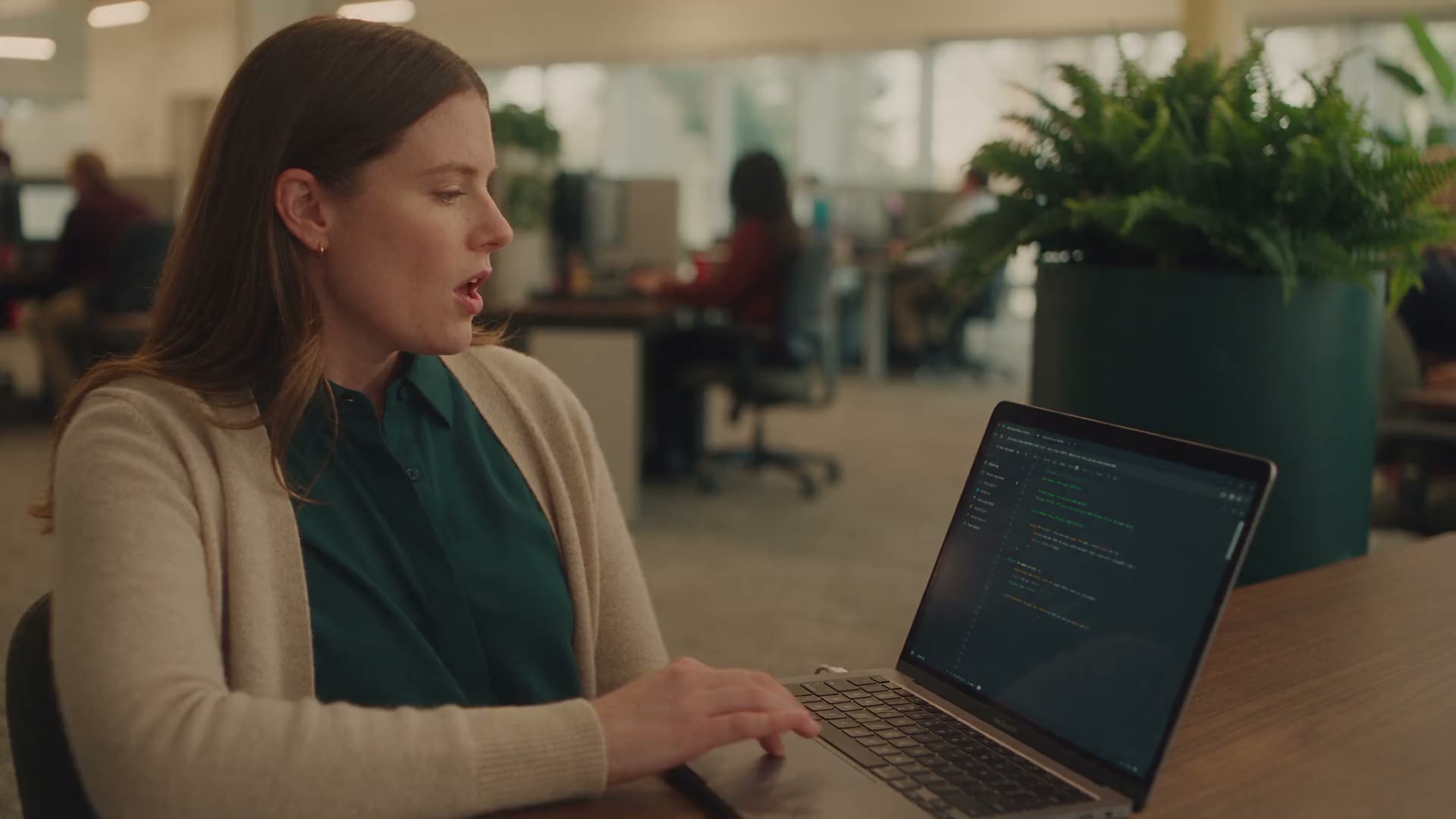
A woman at a shared table in a busy co-working space talking to her laptop while people work around her.

Lipboard

150 wpm

Fast, and silent.

40 and 150 words a minute are typical typing and speaking speeds. Lipboard’s model runs about 2.7 times faster than real time, so the text keeps up as you talk.

Made for the places you can’t talk.

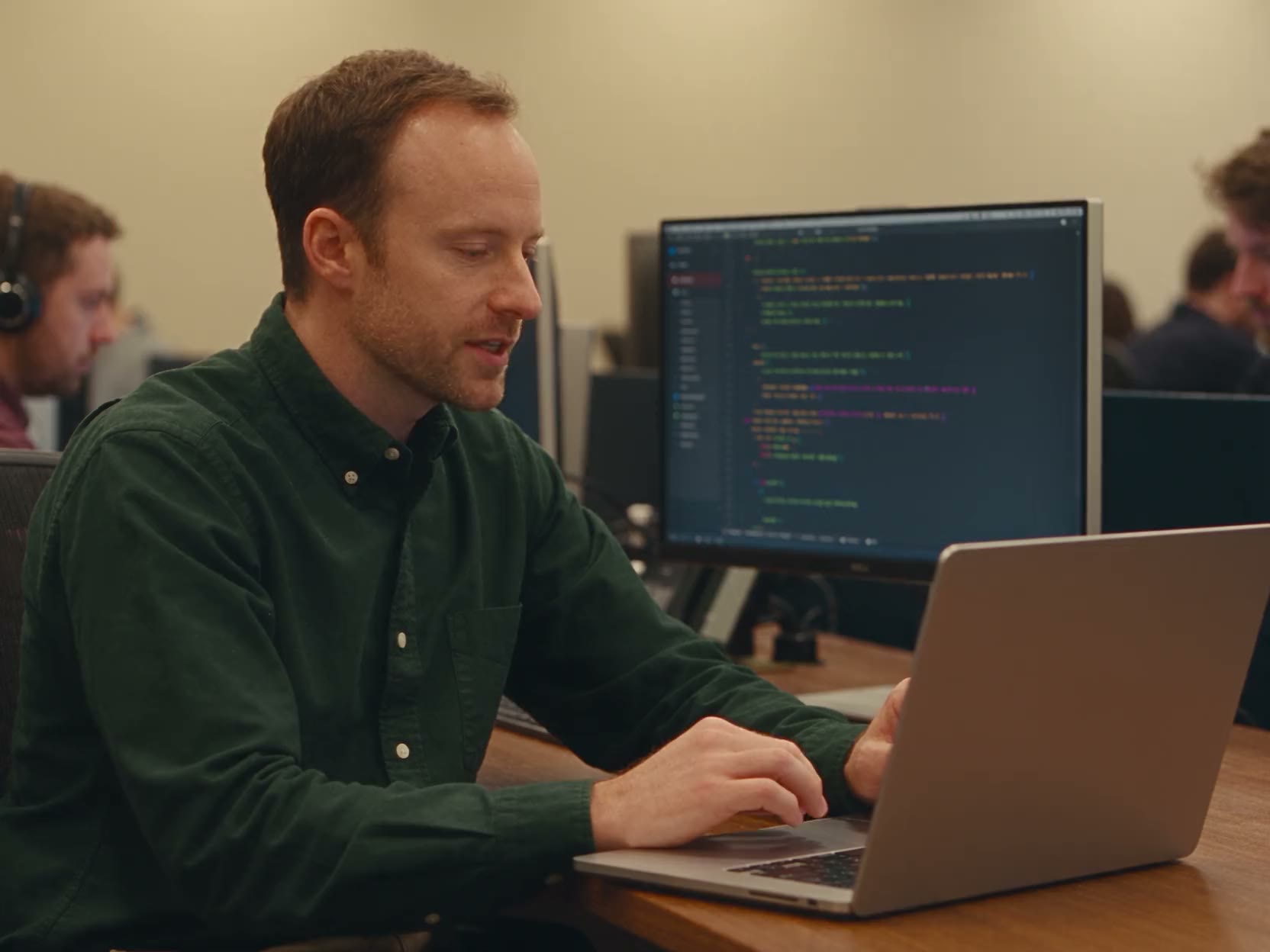
A man at a desk in an open-plan office talking to his laptop while colleagues work beside him.

The open office

Dictate the whole email. The desk next to you hears nothing.

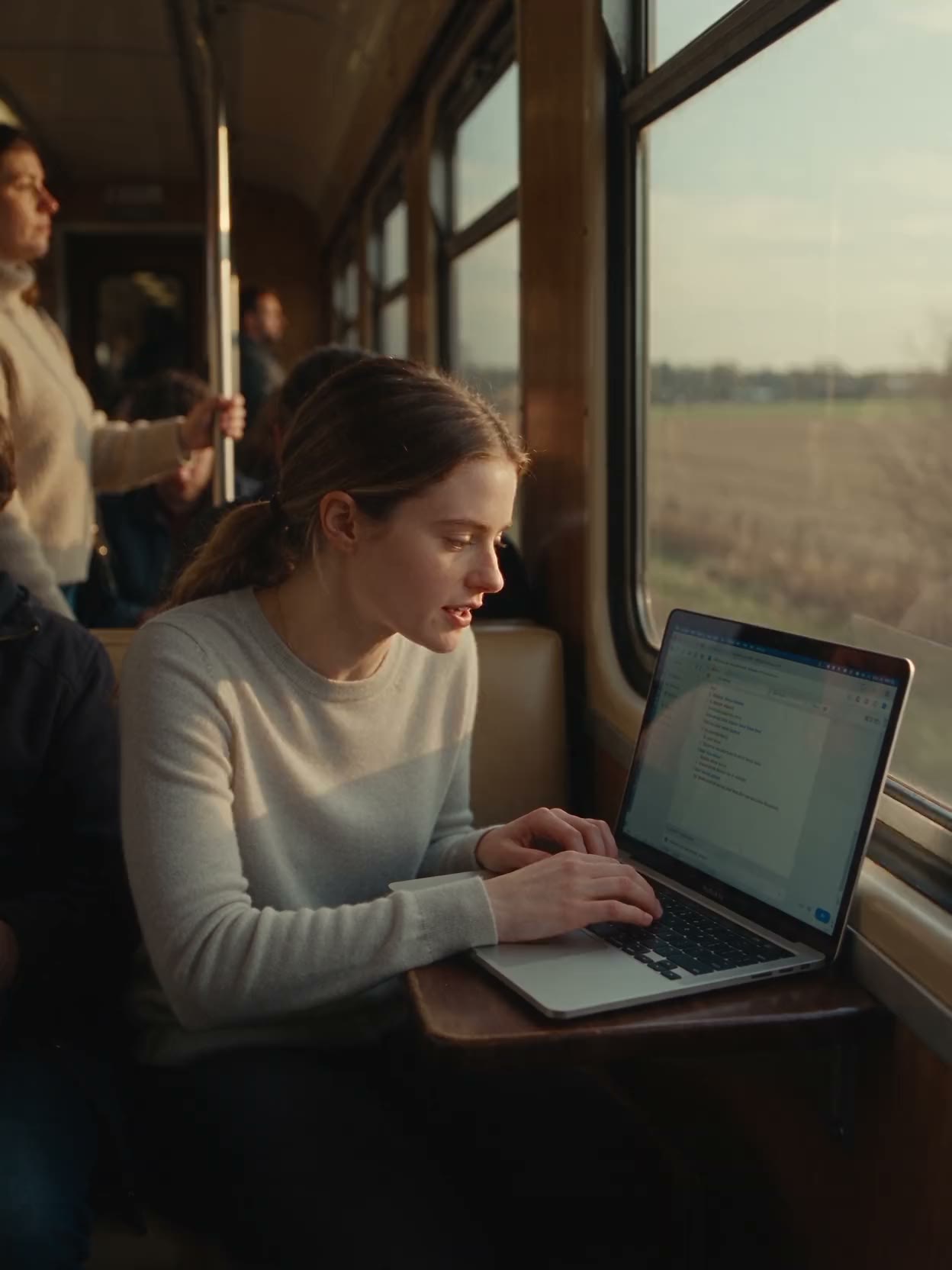
A commuter by the window of a packed train talking to the laptop on her fold-down table.

The packed train

Finish the message before your stop. The carriage hears nothing.

A woman talking to her laptop at a small table in a crowded café.

The loud café

When the microphone hears only the room, the camera still sees you.

It lives in the notch.

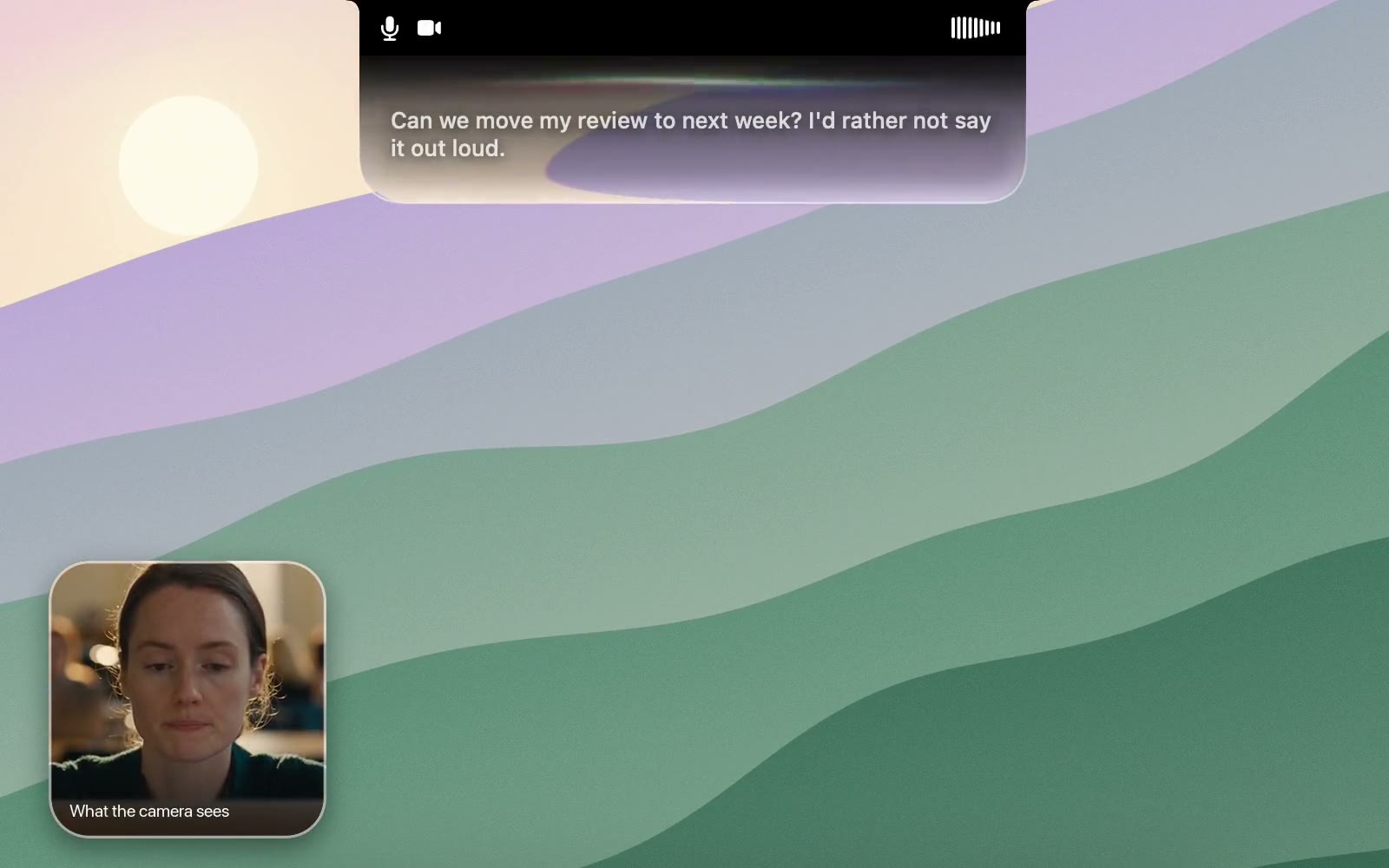
No window to open and nothing to switch to. A piece of glass opens under the camera, right above whatever you’re working on. This is the app, filmed as it runs.

A Mac desktop with an empty email. Glass opens out of the notch, a sentence appears in it word by word while a woman mouths it in a small camera picture, and the sentence lands in the email.

Mouthed, not spoken

The words arrive as your lips form them. The small picture shows what the camera sees while the key is held. It is read on your Mac and never saved.

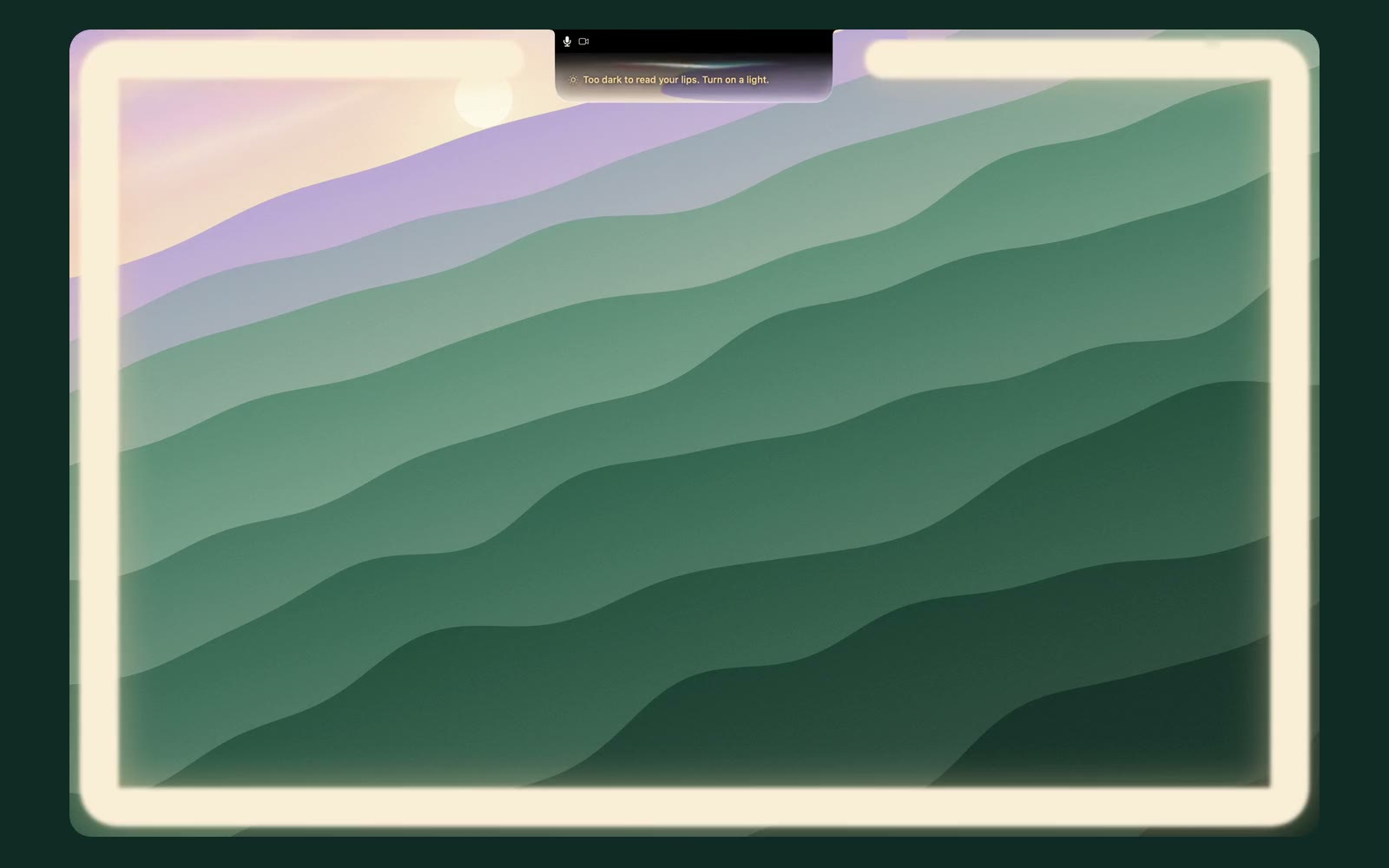
The notch says it is too dark to read lips, and a warm band of light glows around the edge of the screen.

It tells you what it needs

Too dark to read your lips? Lipboard says so, and lights your face with a warm ring around the screen.

Hold. Mouth. Let go.

  1. 1

    Hold your shortcut

    One key combination, in whatever app you're already in. Lipboard watches and listens only while you hold it.

  2. 2

    Mouth the words

    Face your Mac and form the words at your normal talking pace. No exaggerated movements and no special microphone: the built-in camera is enough.

  3. 3

    Let go. It's written.

    Your sentence appears where the cursor is: an email, a chat, a document, a prompt.

One shortcut. Three ways to dictate.

Lip reading

Mouth or whisper the words. Lipboard watches the shape of your lips through the Mac's camera and writes what you meant to say.

Best for
Anywhere other people can hear you, and anything you'd rather not say out loud.
Camera
Microphone off

It leaves early access when it beats the best lip readers.

Word error rate is the share of words a model gets wrong, so lower is better. These are published results on LRS3, the standard benchmark, next to Lipboard’s release gate: the error rate it has to beat before it leaves early access. How lip reading is measured.

Lips onlySilent dictation: the camera, no sound.
ModelWords wrong
LipboardRelease gate< 8.7%
LP ConformerGoogle, 202312.8%
FLAREOpen source, 202613.2%
VALLR202518.7%
Auto-AVSROpen source, 202320.3%
Lips and voiceOut loud: the camera and microphone together.
ModelWords wrong
LipboardRelease gate< 0.7%
MMS-LLaMA20250.72%
Whisper-Flamingo20240.76%
Llama-AVSR20240.77%
Auto-AVSROpen source, 20230.9%

Lipboard’s figures are release gates, not measurements. Measured results will be published at general release. Other figures are published LRS3 results from each model’s authors; the models were trained on different amounts of data. Sources: LP Conformer, FLARE, VALLR, Auto-AVSR, MMS-LLaMA, Llama-AVSR.

A camera that reads, and never records.

An app that watches your mouth has to earn that trust. These are the rules dictation is built on. A call is transcribed only when you say yes.

  1. 1

    Only while you hold the key

    When you dictate, the camera and microphone switch on when you press your shortcut and off when you let go. macOS shows its own indicator the whole time.

  2. 2

    Lips, not faces

    Lipboard looks at the movement of your mouth. It isn't built to identify you or anyone behind you.

  3. 3

    Nothing kept on film

    Frames are turned into text and discarded. No video of you is stored.

It writes up your calls, too.

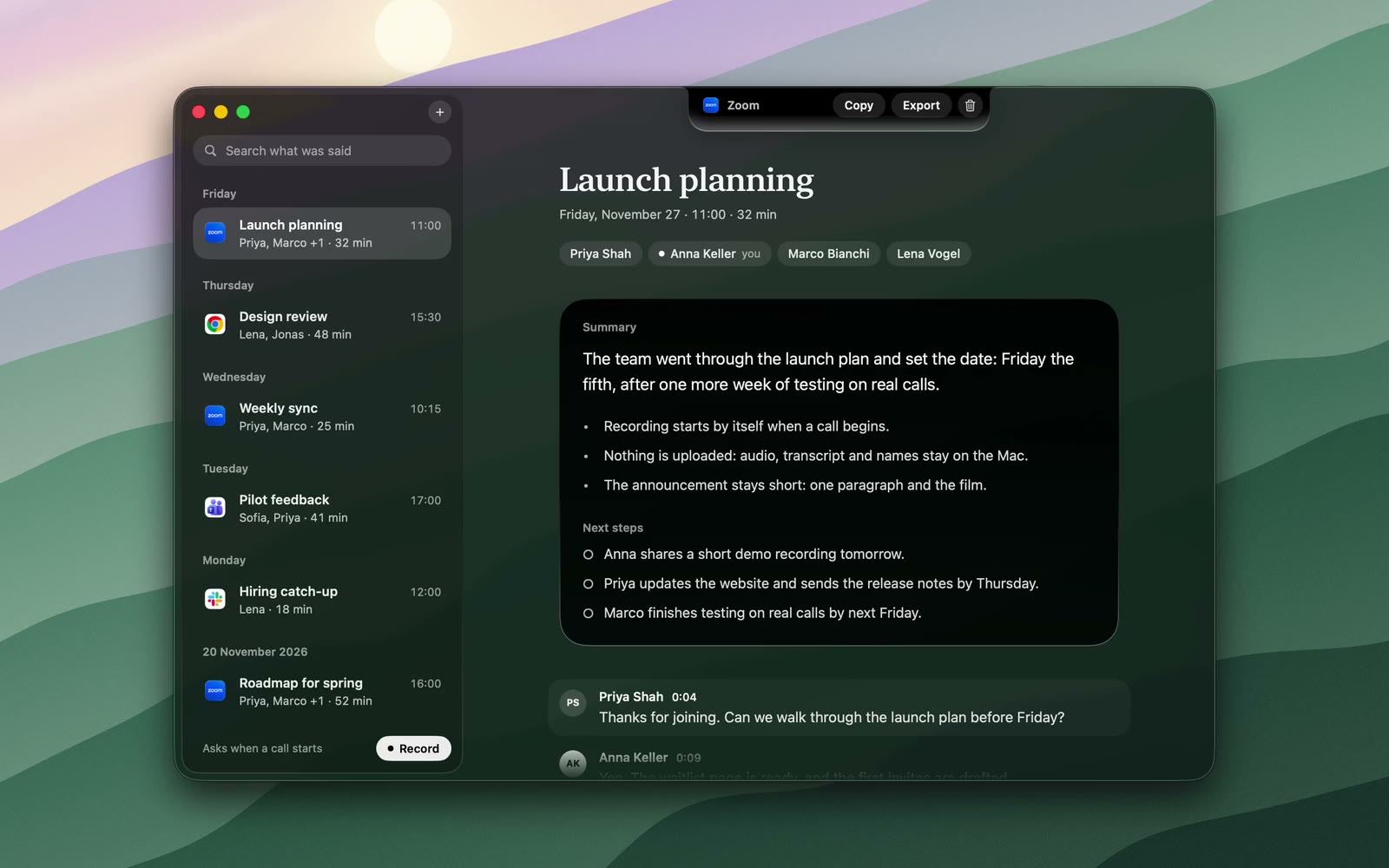
When a call starts, Lipboard asks once. Say yes and it writes down who said what, on your Mac, and keeps the recording and transcript there.

  • Zoom, Teams, Google Meet, Slack and FaceTime.
  • A summary with next steps when you hang up.
  • Every call searchable, and readable by your other tools.
See how meetings work
The meetings window over a desktop. A card of light says a summary is being written, then opens into the summary: what was decided, three points and three next steps with names.

Fair questions.

Can I use Lipboard today?

By invitation, for now. We're giving access to selected people from the waitlist. Joining is free and takes one email address.

Which Macs does it run on?

Any MacBook with an M-series chip. It uses the camera and microphone already built in.

Which languages does it understand?

English only, for now.

Which apps does it work in?

Lipboard types at your cursor, so it works anywhere you can type: mail, chat, documents, notes, code editors and AI tools.

What will it cost?

Pricing isn't decided yet. People on the waitlist will hear first.

Be first to say nothing.

We’re giving access to people on the waitlist now. Leave your email and we’ll invite you to try Lipboard on your Mac when your turn comes.

How would you mostly dictate?

Free to join. We'll only email you about your invite.